
Faq
Requesting to Join a Team On Anytime Soccer Training
September 4, 2022

Requesting to Join a Team
Step 1: Log into Anytime Soccer Training via the Parent/Coach Sign In or Player Sign In. Click Here Step 2: Click login next to the respective player account. (Skip this step if you logged in via the Player Sign In). Step 3: Click My Teams from the player dashboard Step 4: Click Join a Team
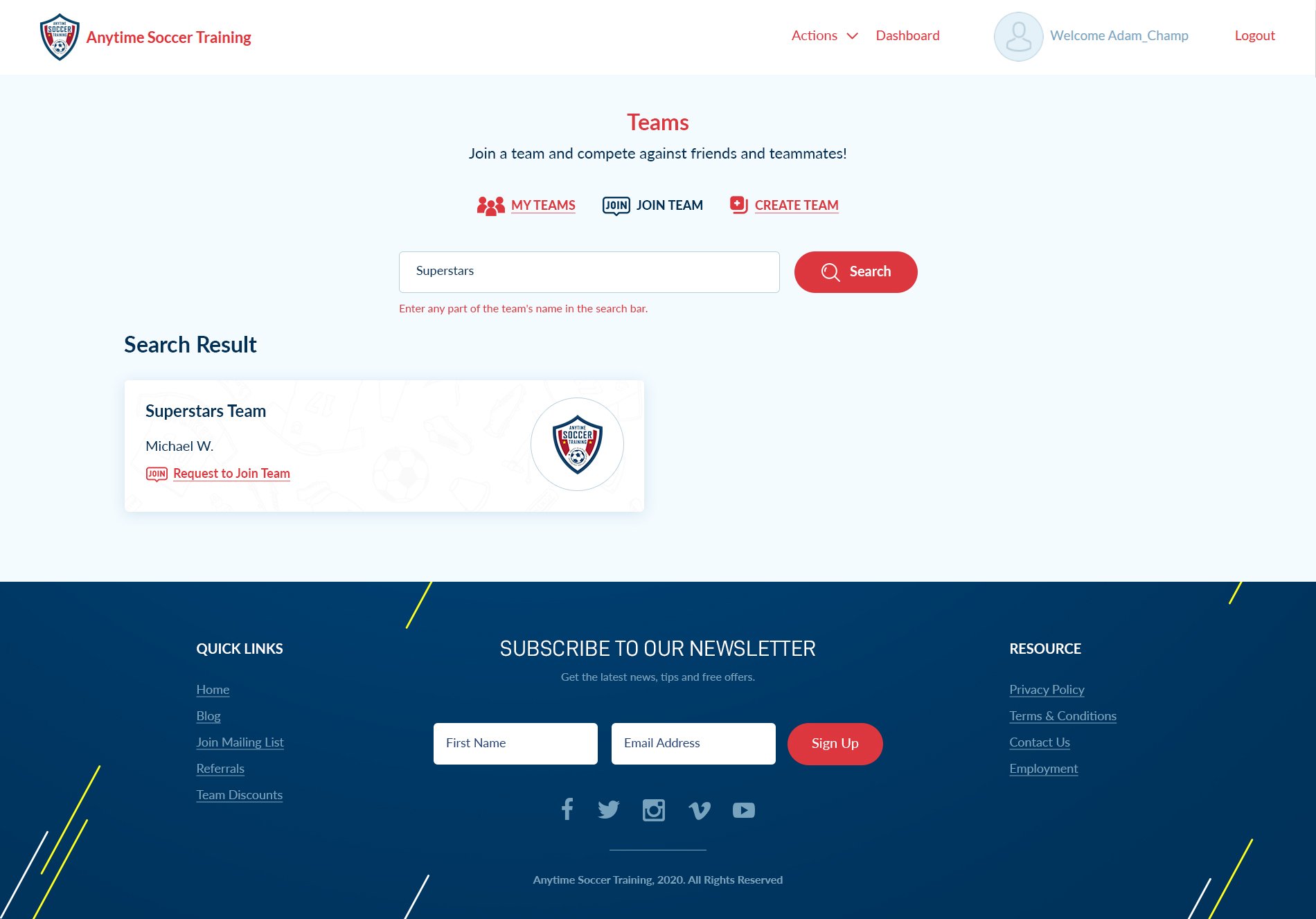
Step 5: In the search bar, enter the team name (or any part of the team name) and click search.
Step 6: Click Request to Join Team. The team manager will receive an email notification and be given the option to accept or decline the request.
Step 4: Click Join a Team
Step 5: In the search bar, enter the team name (or any part of the team name) and click search.
Step 6: Click Request to Join Team. The team manager will receive an email notification and be given the option to accept or decline the request.
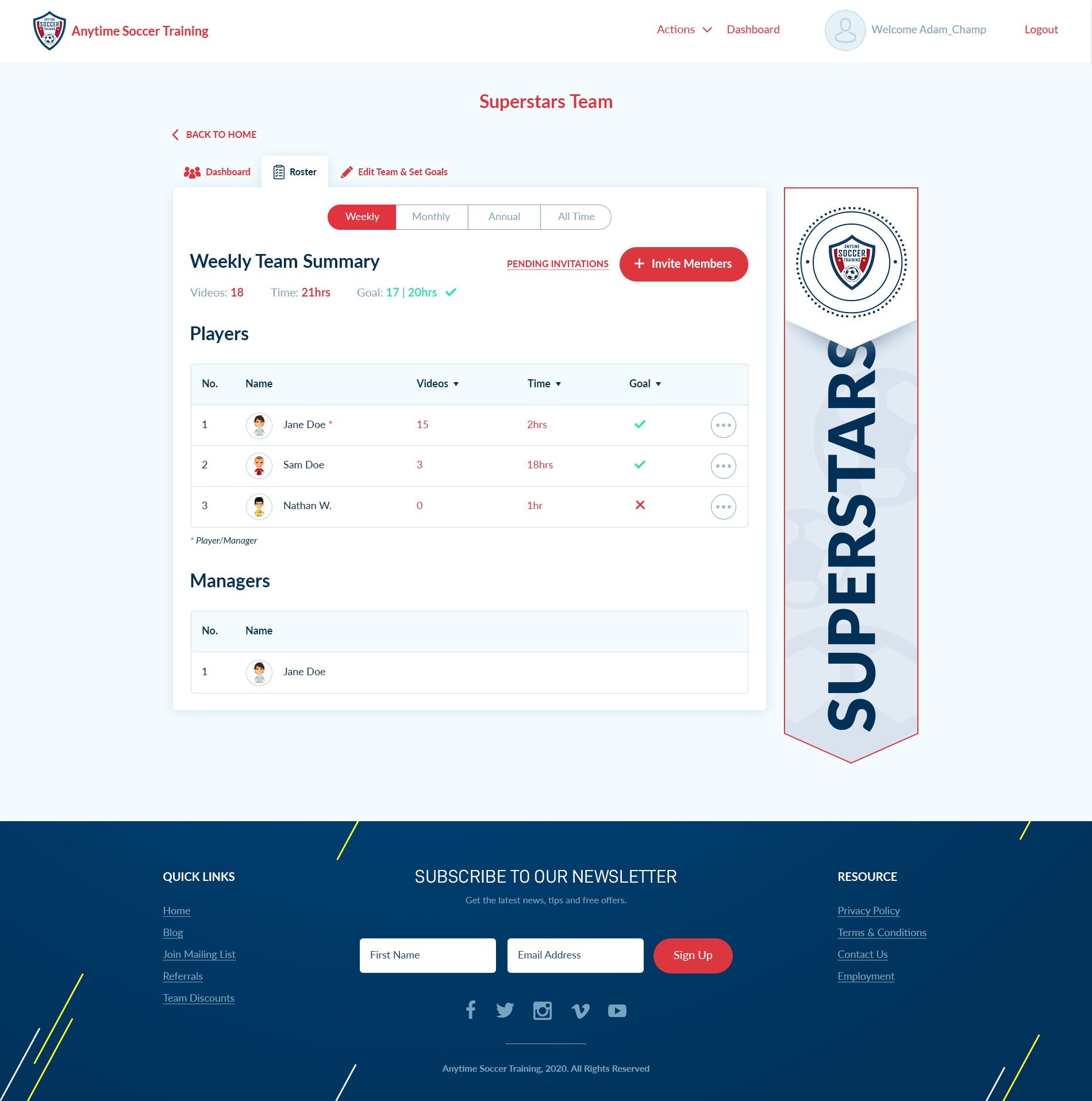
 Once accepted to the team, you will join the team roster and team leaderboard. Below is a sample illustration of a team roster.
The team roster includes team and player stats as well as training goals.
Once accepted to the team, you will join the team roster and team leaderboard. Below is a sample illustration of a team roster.
The team roster includes team and player stats as well as training goals.
Gear we use for this
The kit our own players train with at home.

Adidas MLS Training Soccer Ball
View on Amazon →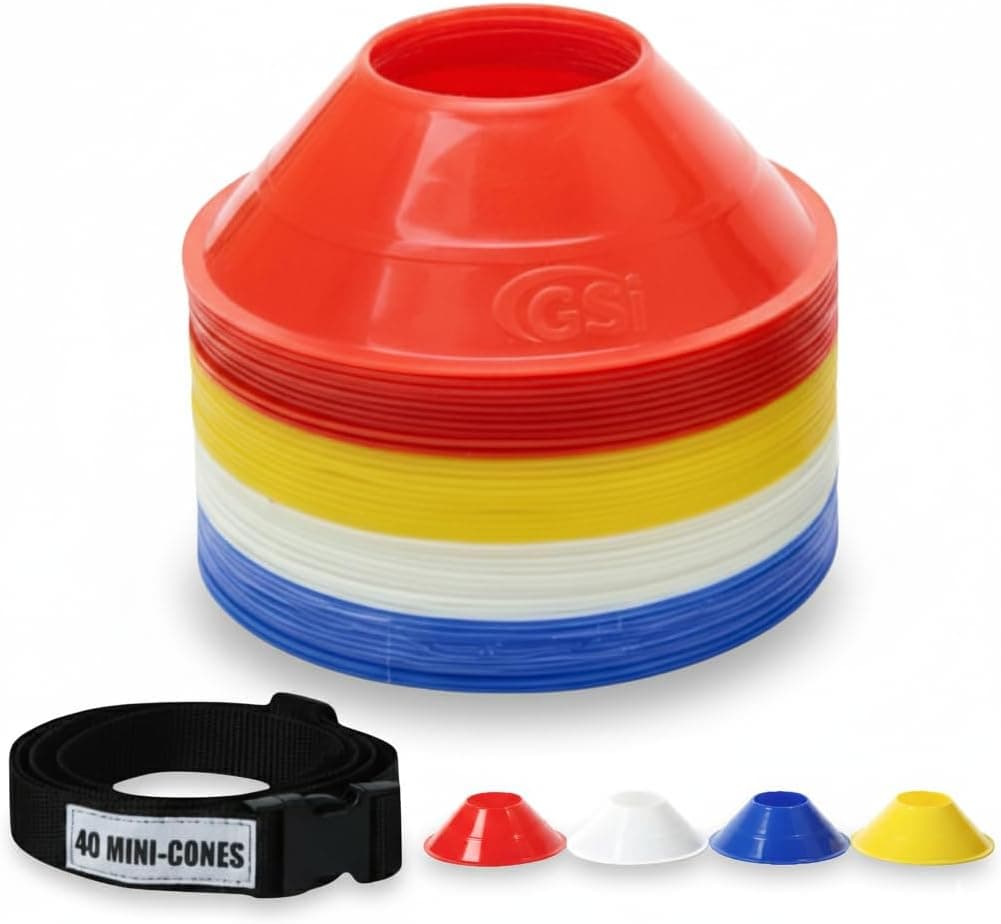
Disc Training Cones (Set of 40)
View on Amazon →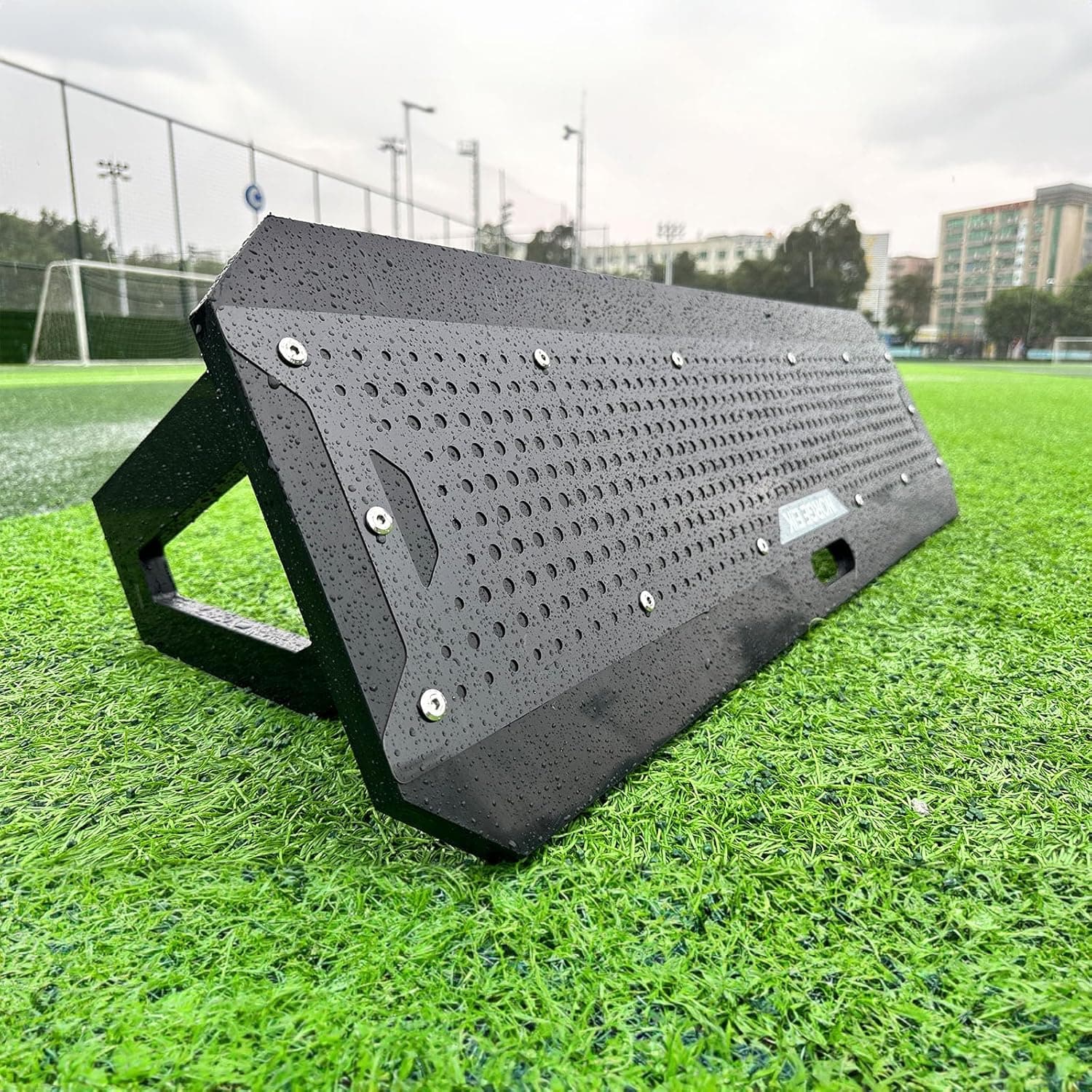
Soccer Rebounder
View on Amazon →See everything we recommend
As an Amazon Associate we earn from qualifying purchases, at no extra cost to you.
requestingjointeamanytimesoccertraining